Paste a policy, drop a PDF or a link. Quigo writes illustrated scenes, decisions and quick checks with instant feedback - Level 3 interactivity, no video needed.
app.quigo.co
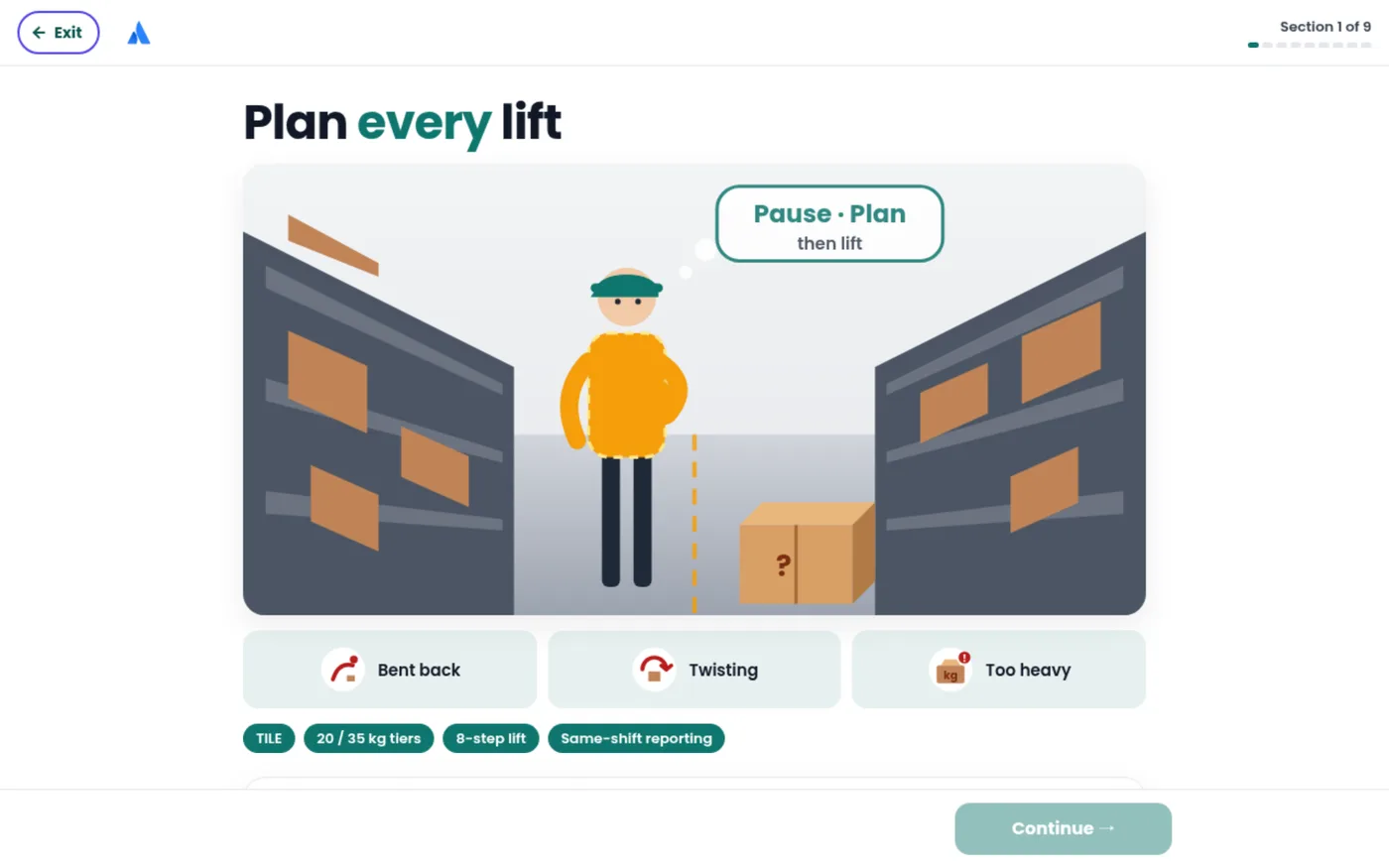
Illustrated scene in your brand
Video Module
Document to branded video
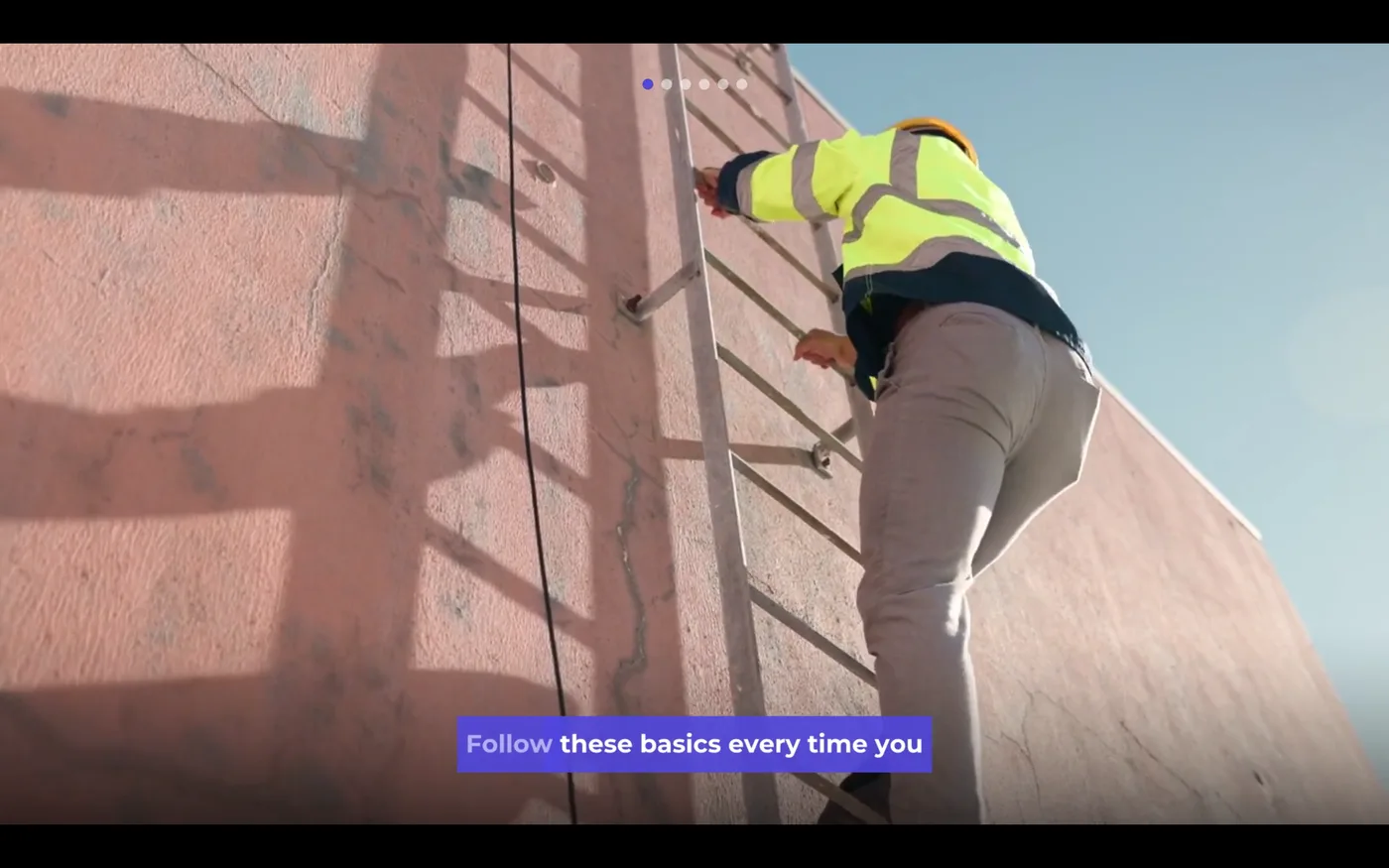
Quigo scripts it, narrates it, scores it with AI-composed music and sound effects, and renders footage with your title cards, captions and timed questions.
quigo.co/play
Screen recording
Record once. Learners practise.
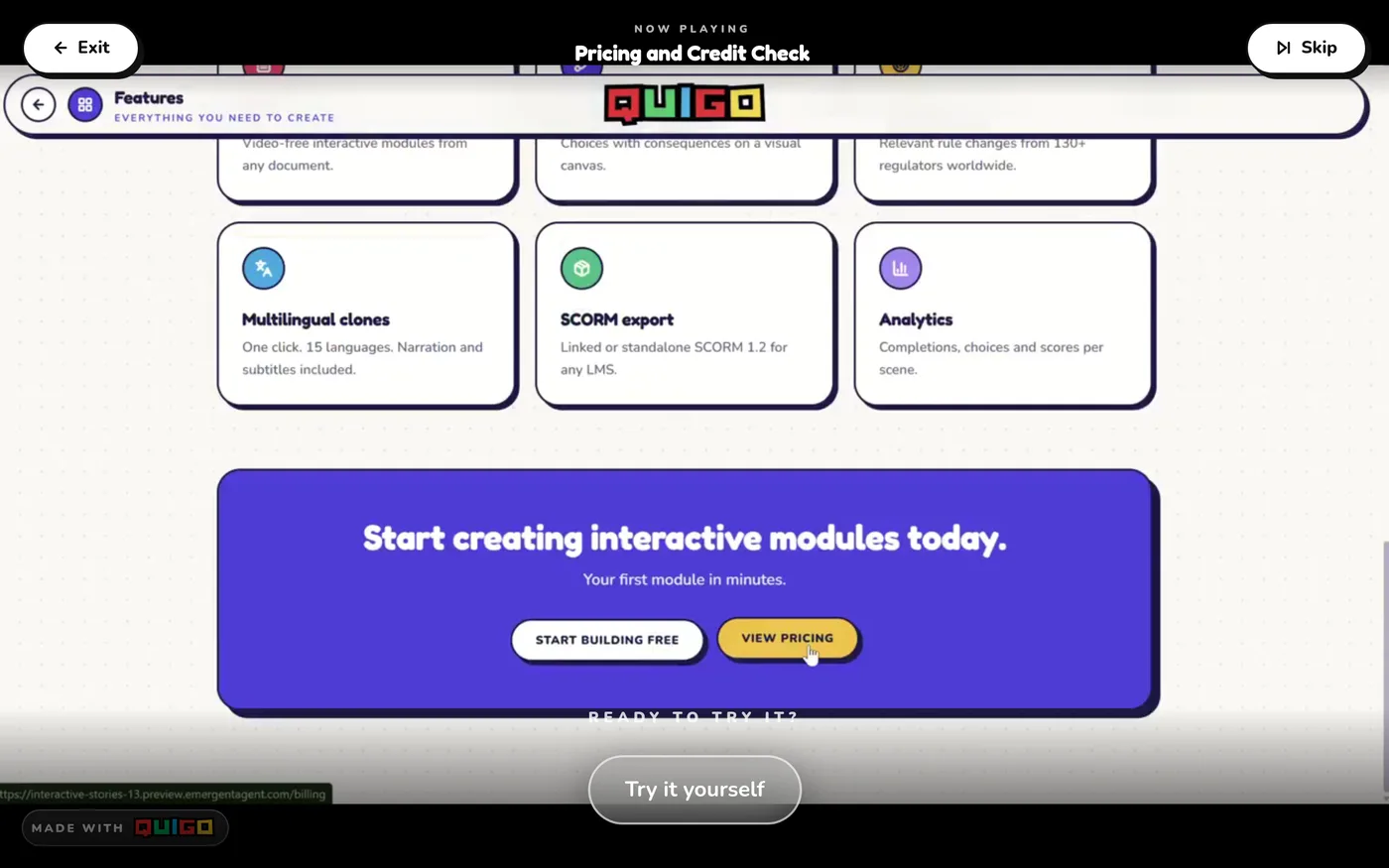
Upload an HD screen recording. Quigo cuts it into steps, works out what you clicked, adds a music bed and turns every click into hands-on practice on the real screen.
quigo.co/play
Soundtrack & SFX
Sound that fits, in every module
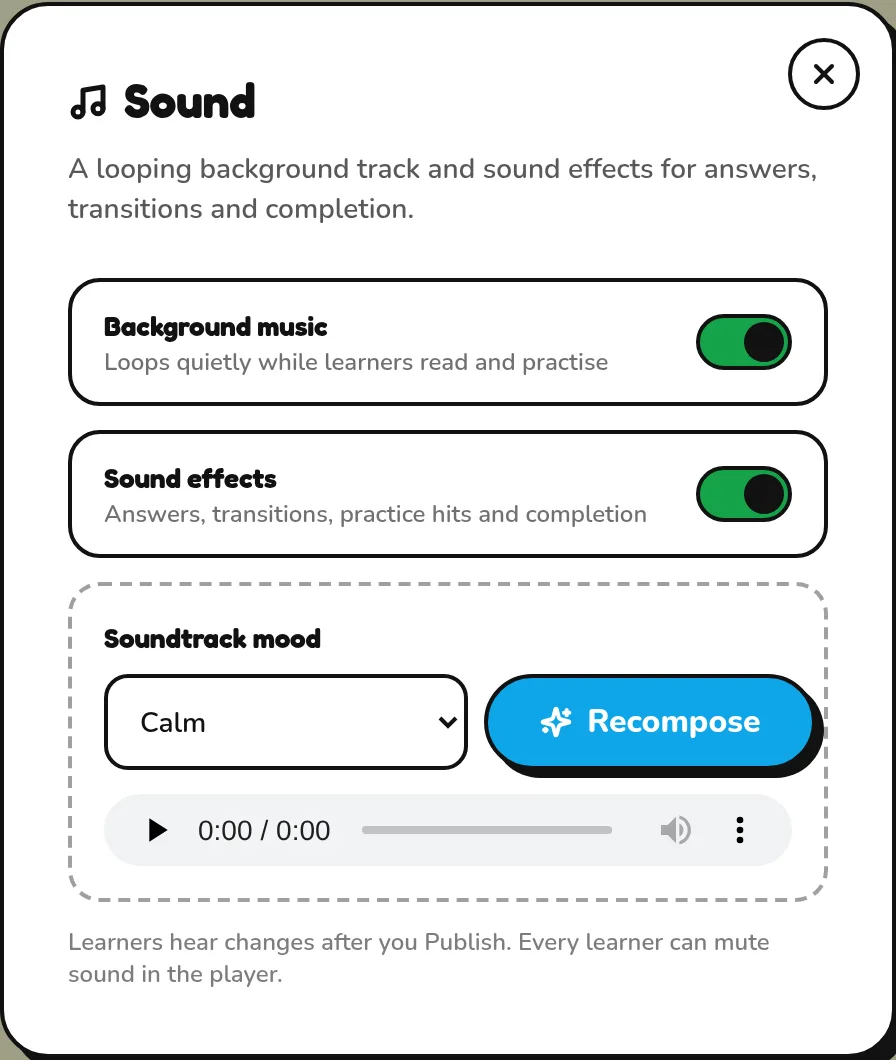
A music bed composed for each module, plus tap, answer, transition and completion sounds. Pick a mood, recompose in one click, and learners can mute at any time.
quigo.co/editor · Sound
Visual editor
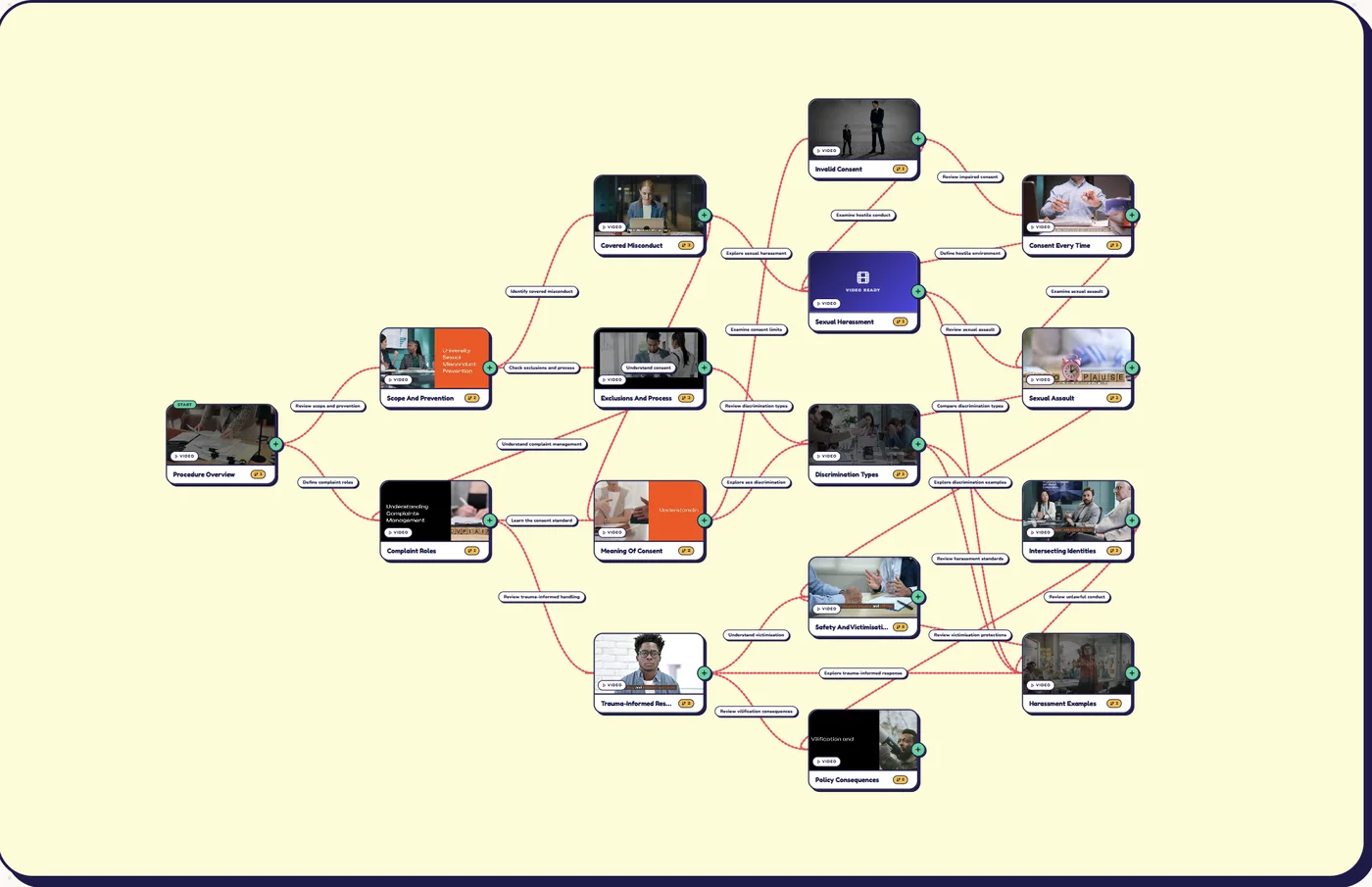
Branch, edit and rearrange on a canvas
Every scene, question, answer and path is editable. Add branches where a wrong decision should lead somewhere different.
quigo.co/editor
Auto-update
Modules that update themselves
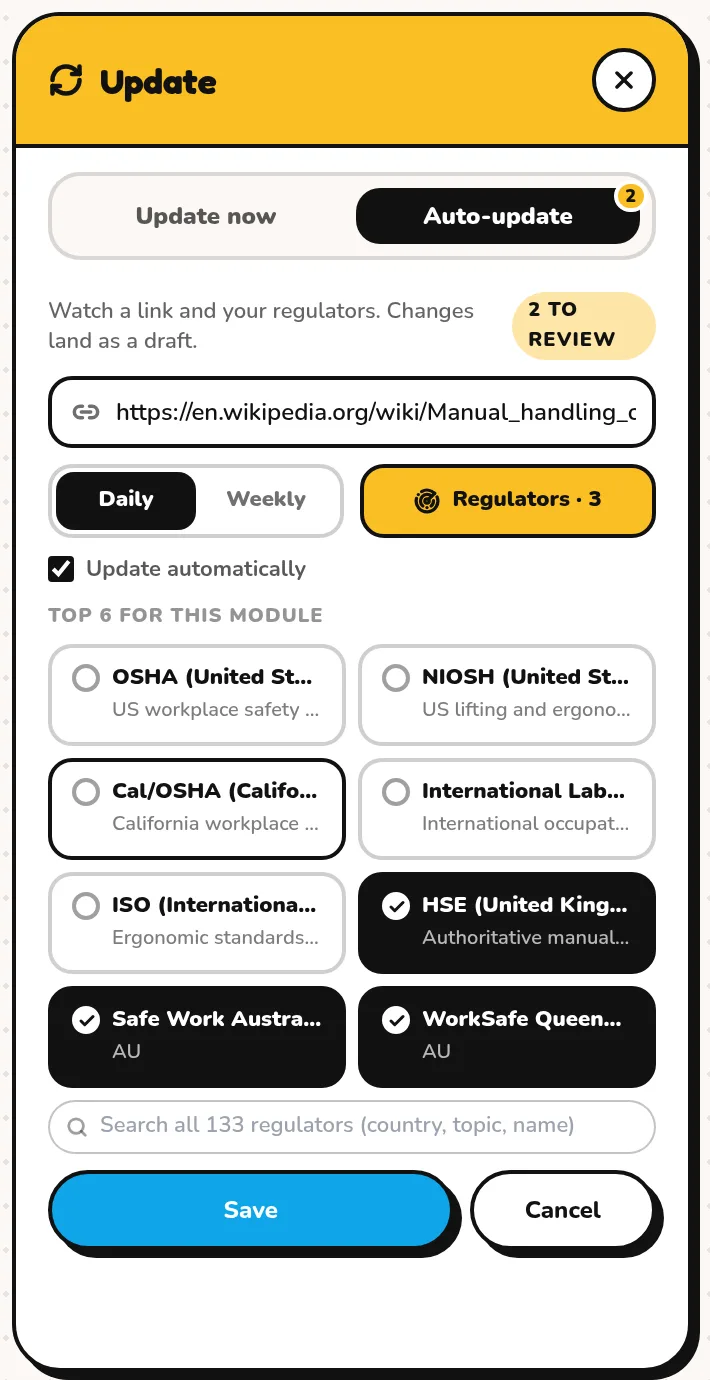
Watch a policy link and the regulators that matter. When something changes, Quigo rebuilds the affected scenes as a draft. You publish.
quigo.co/editor · Update
35 languages
Translate in one click
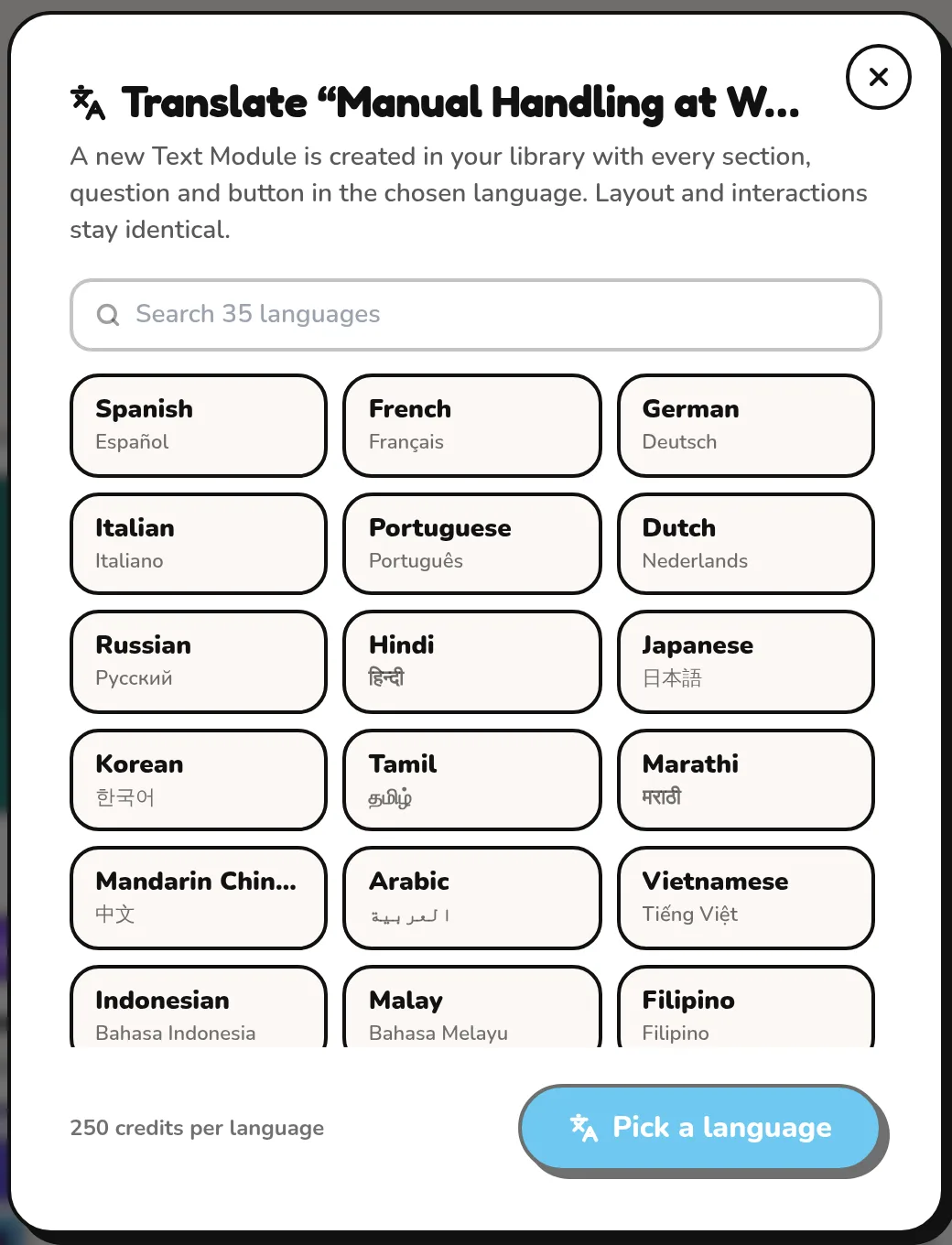
Clone any module into 35 languages. Narration, captions, questions and buttons come out translated, in minutes.
app.quigo.co
35 languages, one click
Analytics & AI insights
See what works. Fix what doesn't.
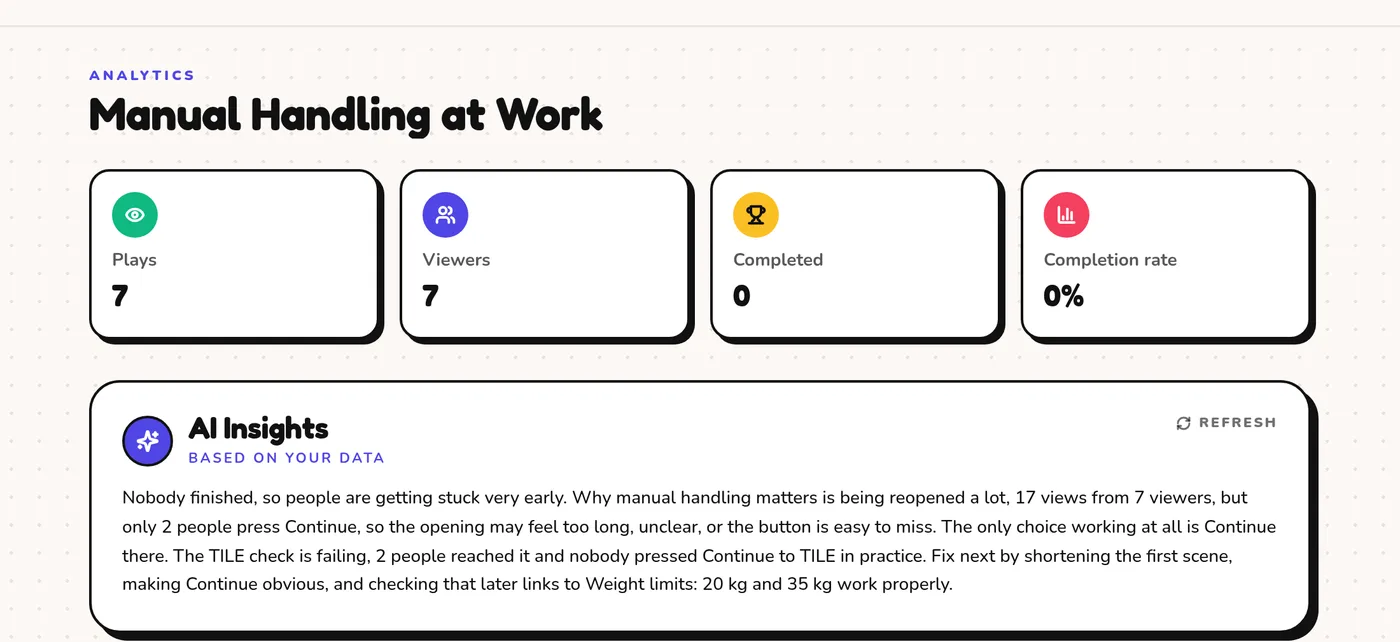
Plays, completions, every answer and drop-off point - plus a plain-English read of what to change, written by AI from your data.
quigo.co/analytics
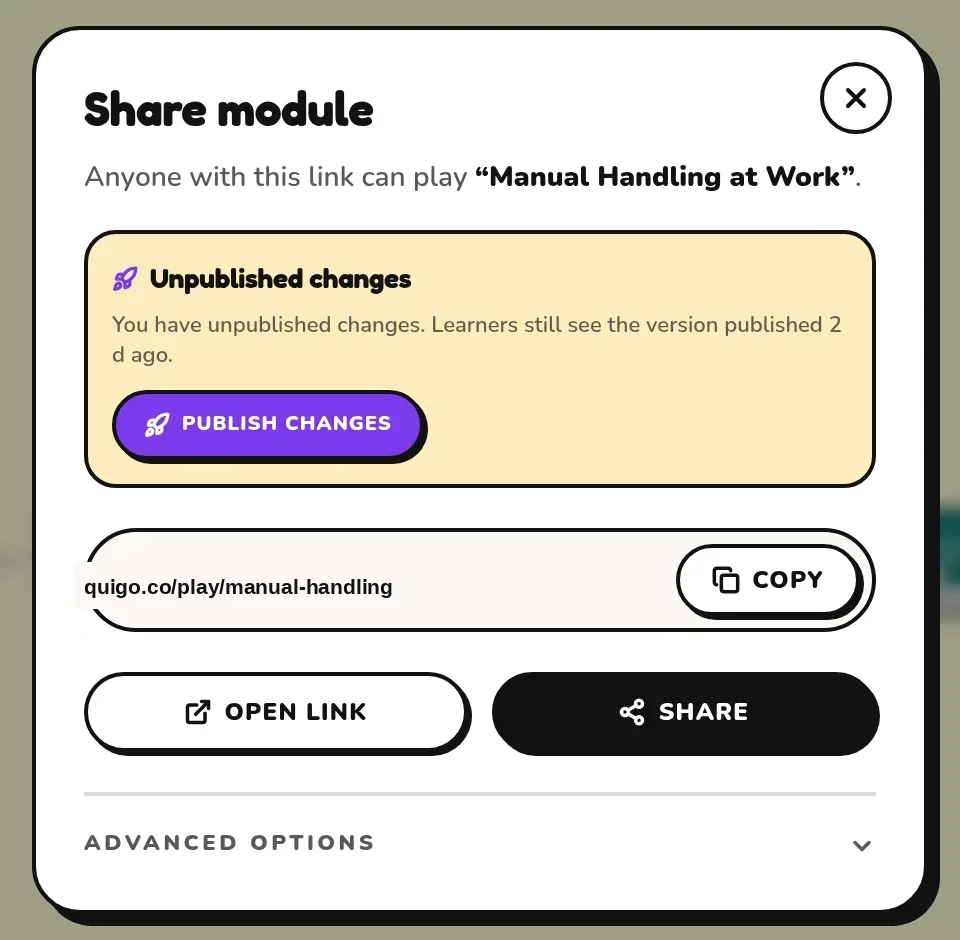
Share & LMS
One link, an embed or SCORM
Share a link, embed on your intranet or export a linked or standalone SCORM 1.2 package that reports completion, scores and every answer to your LMS.
quigo.co/editor · Share
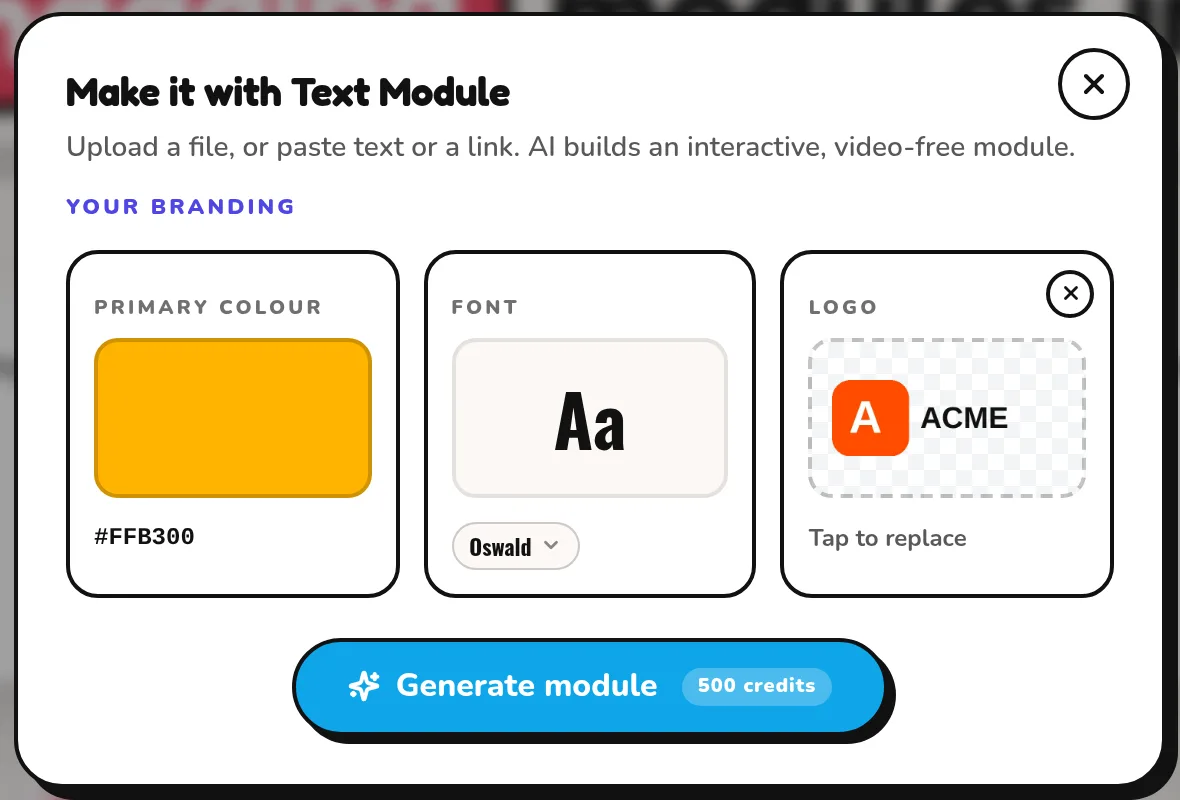
Your brand
Looks like you, not a template
Colours, font and logo are picked up from your document or website before the module is built - and every part stays editable after.
quigo.co
Everything else, in detail
50 features across 7 areas.
Create
Text Module
Paste text, a PDF, a web link or a shared-drive document - Quigo writes illustrated interactive sections.
Video Module
Scripted, narrated, scored and rendered from your document with title cards, captions and keyword sound effects.
Screen recording
Upload an HD recording. Quigo cuts it into steps, adds a music bed and turns clicks into practice.
AI script generation
Unlimited scripts from a prompt or source, with history so you can go back a version.
AI video generation
Generate a video clip for any scene: character, location, camera, style and duration.
AI image scenes
Generate still scenes when video isn't needed, in your module's style.
AI simulations
Drop any of 121 open-licence interactive science and maths simulations straight into a module.
Upload your own media
Your videos, images and character photos, chunk-uploaded up to 500 MB.
Templates & blank canvas
Start from a proven structure or an empty graph and let Quigo fill it in.
Merge modules
Combine two modules into one learning path.
Make it interactive
Branching scenarios
Choices with consequences on a visual canvas, with a start scene you pick.
In-media questions
Pause a video at any timestamp for a multiple-choice or true/false check.
Image hotspots
Learners find the hazard, the button or the exit by clicking the picture.
Quick checks & ordering
Quizzes and put-the-steps-in-order tasks inside every section.
Practice targets
Screen-recording steps where the learner must click the real control.
Choice styles
Restyle answer buttons and feedback to match your look.
Full inspector
Edit every title, question, answer, path and image duration.
Undo / redo & autosave
Change anything without fear; drafts save as you go.
Media & polish
AI narration
Studio-quality voices in every language, timed to the word for captions.
AI soundtrack
An instrumental bed composed to fit each module's tone. Pick auto, calm, upbeat or cinematic and recompose any time.
Sound effects
Taps, right/wrong answers, transitions, practice hits and a completion fanfare, in the player and baked into videos.
Learner mute
One speaker button in the player silences music and effects, remembered across sessions.
Captions
Generate or upload captions; styled to your brand.
Scene transitions
AI-generated transitions between scenes, or upload your own.
Video styles
Clean, punch, editorial, cinematic or headline motion packs.
Custom branding
Colours, font and logo picked from your document or site, and the watermark removed.
Thumbnails
Pick a frame, upload a cover or generate one with AI.
Learner-first player
Fast, mobile-friendly player with progress and completion tracking.
Share & integrate
Share links
One public link per module. Publish when you're ready; drafts stay private.
Private invite-only links
Rotate the secret link any time to cut off old copies.
Embed anywhere
A snippet for your intranet or LMS page, with a rotating embed secret.
SSO embeds
Pass learner identity into embeds so results land against the right person.
SCORM 1.2 export
Linked or standalone packages; completion, scores and every answer report back to your LMS.
LMS analytics dashboard
See completions and scores from every LMS that runs your package.
Publish control
Learners never see an edit until you press Publish.
Measure
Plays & completions
Every play, completion and drop-off, per module.
Completion breakdown
Completed, in progress and abandoned at a glance.
Story flow
Which paths learners take and where they stall, drawn on your scene graph.
Learners & answers
Per-learner progress, scores and every answer to every question.
Embed sources
Which sites and LMSs your module is played from.
AI insights
A plain-English read of what to change, written from your data on every visit.
CSV export
Download learners and answers for your own reporting.
Keep it current
Auto-update from a source
Watch a policy link daily or weekly; changed sections are rebuilt as a draft with a Check now / Rebuild tile in the editor.
Regulator alerts
133 regulators watched; alerts land in the module they affect.
Review before publish
Every update lands as a draft with a summary of what changed. Nothing goes live until you approve.
35 languages
Clone any module into another language with narration and buttons translated.
Team & plan
Unlimited team members
Everyone who builds training, on one subscription.
Commercial usage
Use modules with customers, partners and paying learners.
AI credits
5,000 credits a month on Business, for videos, recordings and translations.